iPhone and iPad
A native app with a home-screen widget and the Share menu.
- Face ID sign-in
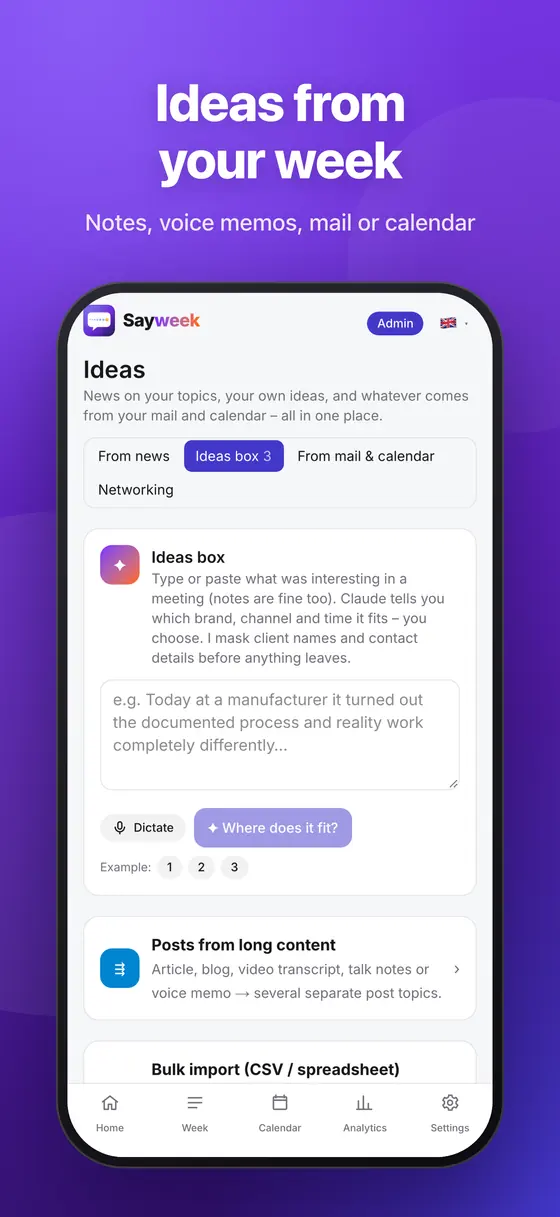
- Share → Sayweek: links or text straight into your ideas
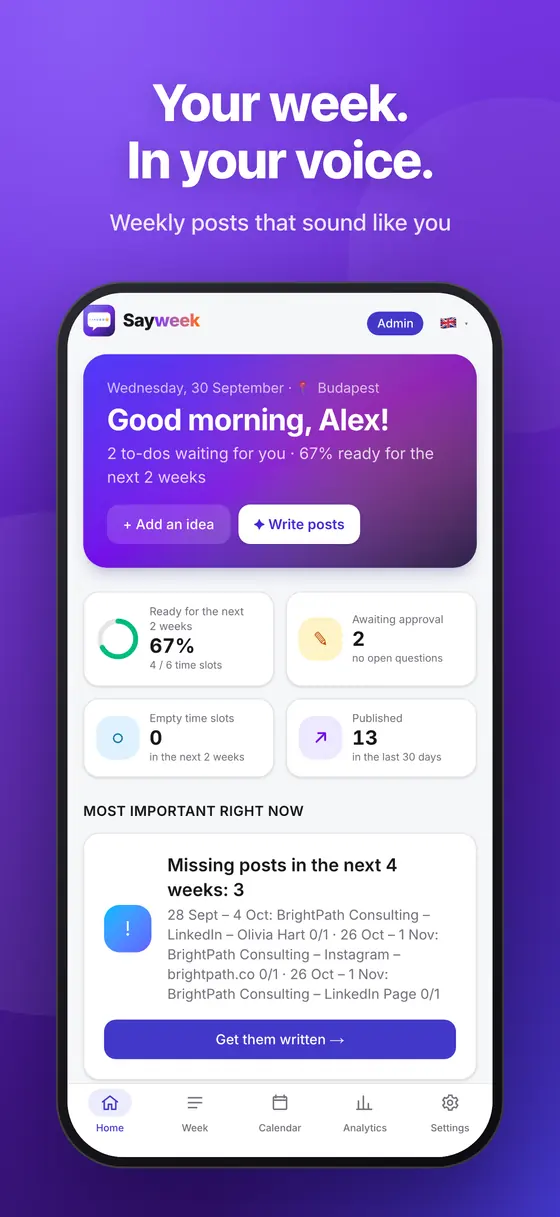
- Widget: what needs approval, what goes out next
- A notification when your client approves
Apps
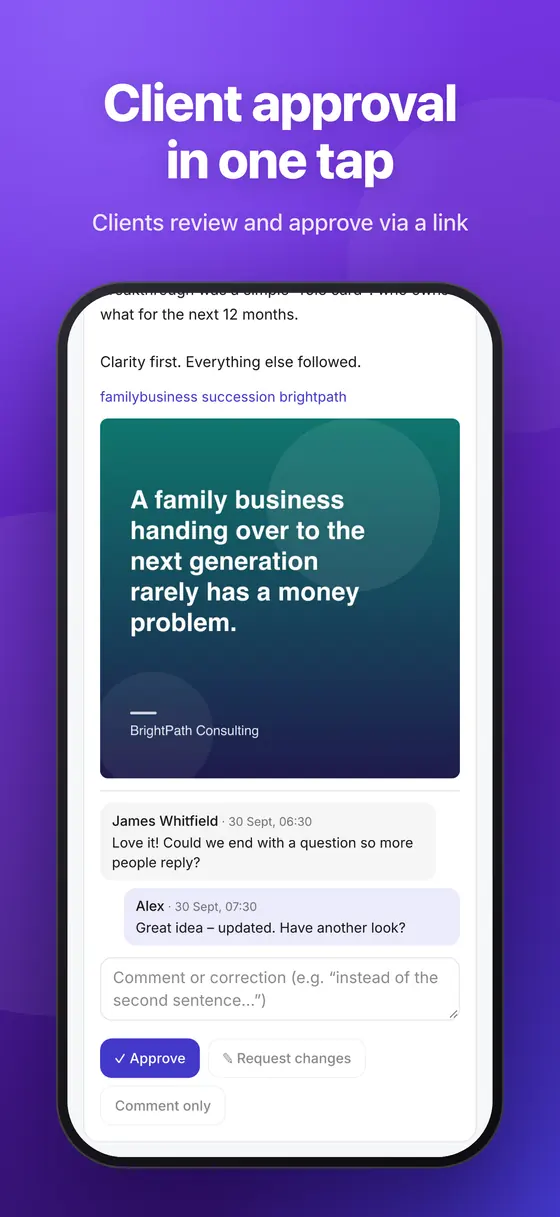
Approve your weekly posts on your phone, save ideas from any app, and run Sayweek in its own window on your computer – one account, the same data everywhere.


A native app with a home-screen widget and the Share menu.
A native app on Google Play.
Install Sayweek from your browser: it runs in its own window with its own icon, right from the taskbar or the Dock.
To install: open app.sayweek.com in Chrome or Edge and click the Install icon in the address bar. Coming soon to the Microsoft Store as well.
“Save to Sayweek”: the article you're reading, selected text or a link goes into your ideas with one click.
Coming soon to the Chrome Web Store and Edge Add-ons.

Approve on your phone and see it as sent on your computer.
Share menu, browser extension, e-mail – everything lands in the same ideas inbox.
Face ID, fingerprint or a passkey; revoke any device key at any time.
Posts are published only after you approve them – from whichever device.
Sign in at app.sayweek.com and carry on from any device.
Sign in